


Best Sales Automation Tools We’ve Tested for B2B Outbound

Phurvishaa specializes in crafting travel tech and marketing content, leveraging deep research, SEO expertise, and AI-driven insights. Her strategic approach ensures content that educates, engages and delivers knowledge.

Our authors are proven experts in their fields, writing on topics where they have demonstrated expertise. Every piece of content undergoes peer review and validation by industry professionals.
AI Summary
Best Sales Automation Tools We've Tested for B2B Outbound
This post explores tested sales automation tools for B2B outbound teams to simplify tool selection and boost outbound efficiency. The key insight: no single tool covers all needs; effective stacks combine specialized tools for LinkedIn prospecting, email enrichment and validation, outreach sequencing, and CRM integration. Tools like LinkedIn Sales Navigator, Apollo, Hunter, NeverBounce, Instantly, Lemlist, HubSpot, and Salesforce each excel in distinct workflow stages. Readers gain clarity on tool strengths, risks, and integration challenges, enabling smarter stack building that improves lead quality, deliverability, personalization, and CRM usage—saving time and enhancing outbound results.
There’s no shortage of sales automation tools being marketed to B2B teams right now. Every category has five competitors; every competitor has a comparison page claiming they’re the best, and the pricing pages all look different enough to make direct comparison exhausting. The result is that most teams either pick the most popular option by default or spend weeks evaluating tools instead of doing outbound.
This is a category-by-category breakdown of what we’ve tested across the core outbound workflow LinkedIn prospecting, email enrichment, email validation, outreach automation, and CRM integration with an honest take on what each category of tool delivers and where the gaps are.
TL;DR
A practitioner’s breakdown of the sales automation tools tested across every stage of a B2B outbound workflow covering what each category of tool delivers, where the gaps are, and how the pieces fit together into a stack that works.
This blog is for: SDRs, sales managers, RevOps leads, and B2B teams building or auditing their outbound stack, especially those evaluating tools for the first time or replacing tools that aren’t performing.
- Which LinkedIn prospecting tools are worth the cost and where third-party automation gets risky
- How email enrichment tools compare across accuracy, database size, and workflow fit
- Why email validation is a false economy to skip and which tools handle it reliably
- What separates outreach sequencers and which use cases each one is built for
- How CRM integration quality determines whether outbound data is useful
LinkedIn Prospecting Tools
LinkedIn is where B2B prospecting starts for most teams, which makes the tooling here foundational. The core decision is between LinkedIn’s own native tools and third-party automation layers built on top of the platform.
LinkedIn Sales Navigator remains the most reliable starting point. The data is as fresh as LinkedIn’s member base which is self-updating, and the filtering is deep enough to get to a genuinely narrow ICP without manual scrolling. Saved searches, lead alerts, and intent signals like job changes and hiring spikes are built in. The limitation is that it surfaces who to contact, not how to contact them. Email and phone data require a separate enrichment layer.
Third-party LinkedIn automation tools in the category that include tools for automated connection requests, message sequences, and profile visits are worth approaching carefully. LinkedIn actively detects and restricts accounts running automation at scale, and the detection has improved significantly in 2025–2026. Tools in this category work until they don’t, and the risk is account restriction on a profile that’s central to your outbound motion. The safer use is augmented rather than fully automated: AI drafts the message; a human sends it.
The honest take: Sales Navigator earns its cost for teams doing serious outbounds. Third-party automation on top of LinkedIn is a calculated risk, not a reliable infrastructure decision.
Also Read
Email Enrichment Tools
Once a prospect is identified, getting a verified email is the next problem. Email enrichment tools solve this they take a name and company and return a likely email address based on domain pattern matching, database lookups, and verification.
The main players in this category Apollo, Hunter.io, Snov.io, and Clay all do broadly the same thing with meaningful differences in database size, accuracy, and how they handle data freshness.
Apollo has one of the larger B2B contact databases and bundles of enrichment with outreach sequencing, which reduces the number of tools in the stack. The trade-off is that bundled tools tend to be less specialized than point solutions; the enrichment is good; the sequencer is functional, but neither is best-in-class in isolation.
Hunter.io is cleaner and more focused, it does email finding well, integrates easily, and is transparent about its confidence scores. For teams that already have an outreach tool they’re happy with and just need reliable enrichment, Hunter sits in a comfortable spot on price and accuracy.
Snov.io sits between the two email findings, verification, and a sequencer on one platform, at a price point that makes it accessible for smaller teams. We’ve found the verification reliable and the sequencer capable for straightforward outbound campaigns.
Clay is worth mentioning for teams comfortable with a steeper setup curve. It pulls from multiple enrichment sources simultaneously, applies waterfall logic to find the best available data, and layers AI research on top. The output quality is high; the configuration time to get there is real.
Email Validation Tools
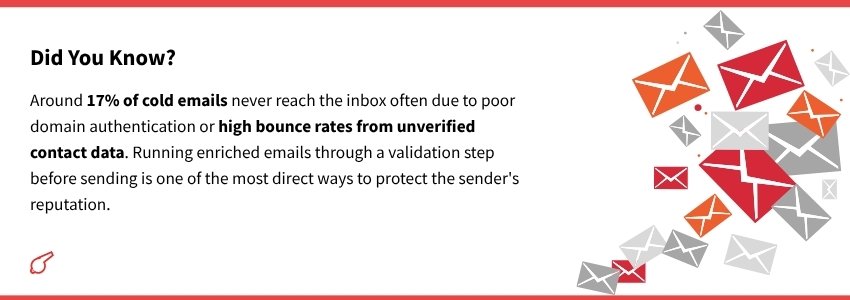
Email enrichment and email validation are adjacent but different problems. Enrichment finds an email. Validation confirms it’s deliverable before you send to it catching invalid addresses, catch-all domains, and role-based emails that are likely to bounce or be filtered.
Running unvalidated lists is a deliverability risk that compounds over time. A bounce rate above 2% starts damaging sender reputation. Above 5%, you’re in territory where domain recovery becomes a real project.
NeverBounce, ZeroBounce, and Bouncer are the most tested tools in this category. All three do the core job reliably on real-time verification, bulk list cleaning, and bounce classification. The differences are in API reliability, speed for large lists, and how they handle edge cases like catch-all domains.
The workflow that makes sense: enrich the list, validate it, then push it to the sequencer. Skipping validation to save time or cost is a false economy; one burned domain costs more to recover than a year of validation credits.
Some enrichment tools including Snov.io and Apollo include a verification step in their workflow, which reduces the need for a standalone validation tool if the enrichment data is recent. The standalone tools become more valuable when enrichment data is coming from older sources or multiple combined databases.
Also Read
Outreach Automation Tools
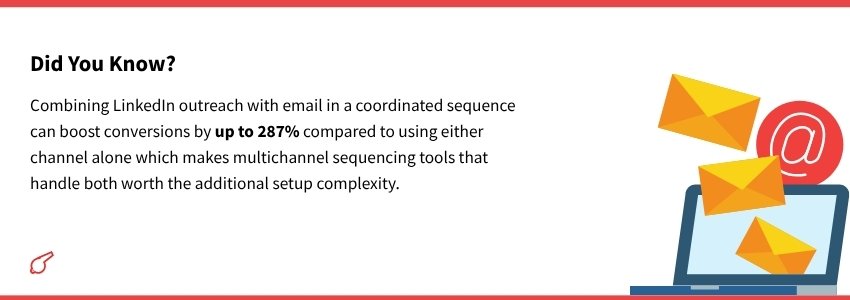
This is the category with the most tools, the most overlap, and the most variation in quality. Outreach automation covers email sequencing, follow-up scheduling, reply detection, and increasingly, multichannel sequences that layer LinkedIn touchpoints alongside email.
Instantly, Lemlist, Smartlead, and Woodpecker are the most tested options for pure email sequencing. All four handle the fundamentals of multi-step sequences, automated follow-ups, reply to detection that pauses sequences when a prospect responds.
Instantly has become a strong default for teams prioritizing deliverability. Its domain warm-up infrastructure, sender rotation across multiple inboxes, and deliverability analytics are more developed than most competitors at its price point. For teams running high volume across multiple domains, it’s among the most reliable options available.
Lemlist differentiates on personalization features image personalization, video thumbnails, and dynamic content that makes emails visually distinctive in a crowded inbox. Whether the open rate lift from visual personalization justifies the additional complexity depends on the campaign and audience.
Smartlead is worth considering for agencies or teams managing outbound across multiple clients its inbox rotation and client management features are built for that use case specifically.
The honest observation across all of them: the sequencer is only as good as the list and personalization going into it. The best sequencing tool with a mediocre list and generic copy will underperform a basic sequencer with a well-researched list and specific messaging.
CRM Integration
The end of the outbound workflow is a CRM, and how well the tools upstream connect to it determines whether the data generated by outreach is actually useful or just lives in a separate system nobody checks.
The most common friction point: outreach tools that log activity but don’t sync contact status, reply to data, or sequence stage back to the CRM in real time. The result is a CRM that shows contacts but not context and sales reps who can’t tell at a glance where a prospect is in the outreach flow without opening a separate tool.
HubSpot handles this well for small-to-mid-size teams. Its native integrations with most outreach and enrichment tools are maintained, the contact timeline is readable, and the free tier is genuinely functional for teams earlier in building their outbound motion.
Salesforce is the enterprise default for deeper customization, more robust reporting, and a larger integration ecosystem. The trade-off is a configuration overhead that can slow down smaller teams significantly.
For teams using Instantly or Lemlist as their sequencer, the CRM integrations vary by plan checking native integration depth before committing to a sequencer is worth doing, since middleware tools like Zapier add another layer of potential failure between systems.
The CRM principle that is held across everything tested: a CRM that’s updated automatically is used. One that requires manual entry isn’t, and a CRM nobody updates is just an expensive contact list.
The Honest Summary
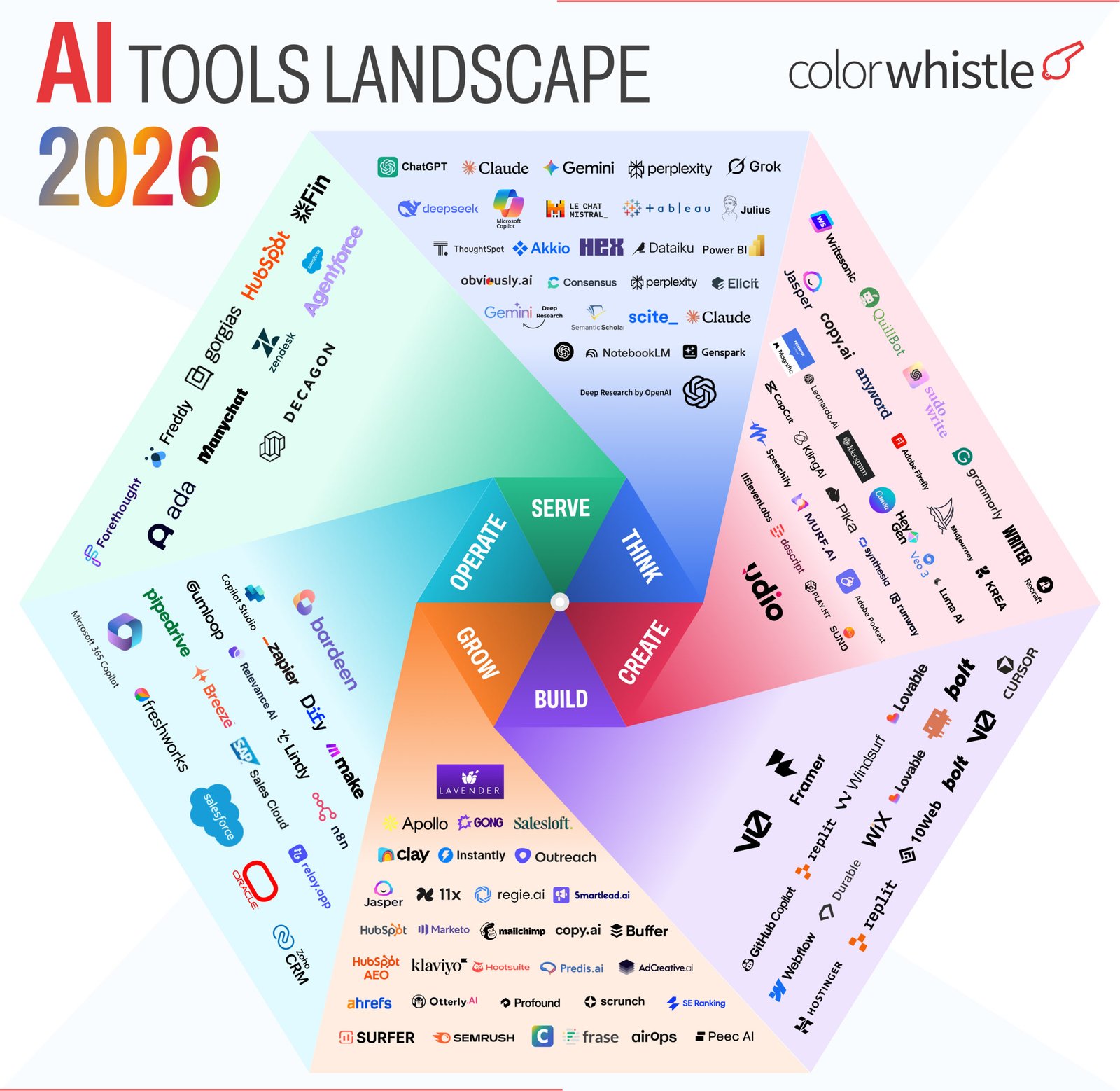
No single tool does everything well. The stacks that work are the ones where each tool does one thing reliably and hands off cleanly to the next. Here’s how the categories fit together:
- Sales Navigator finds the right people
- Enrichment (Apollo / Hunter / Snov.io / Clay) gets the contact data
- Validation (NeverBounce / ZeroBounce) confirms it’s deliverable
- Sequencer (Instantly / Lemlist / Smartlead) runs the outreach
- CRM (HubSpot / Salesforce) captures what matters for follow-up
The tools have changed. The architecture stays roughly the same. And the results still depend more on the quality of the ICP, the specificity of the messaging, and the consistency of the human review checkpoints than on which specific tool sits in each slot.
Building a web presence that supports your outbound motion? web design and development services or understand what a properly built website costs to build.
FAQs
Do you need a separate tool for every stage of the outbound workflow?
Not necessarily some tools like Apollo and Snov.io bundle enrichment with outreach sequencing, which reduces the stack size. The trade-off is that bundled tools are rarely best-in-class in every category, so the right call depends on whether workflow simplicity or maximum performance in each stage matters more to your team.
Is LinkedIn automation safe to use for B2B prospecting in 2026?
It’s a calculated risk rather than a reliable infrastructure decision. LinkedIn’s detection of automation has improved significantly in 2025–2026, and account restrictions on a profile central to your outbound motion are a real consequence. The safer approach is augmenting automation: AI drafts the message; a human sends it.
What’s the most commonly skipped step in a B2B outbound stack?
Email validation most teams enrich a list and push it straight to the sequencer without validating deliverability first. A bounce rate above 2% starts damaging sender reputation, and above 5% you’re looking at domain recovery as a real project. The cost of validation credits is consistently lower than the cost of a burned sending domain.
 LinkedIn Prospecting Workflow We Use Before S...